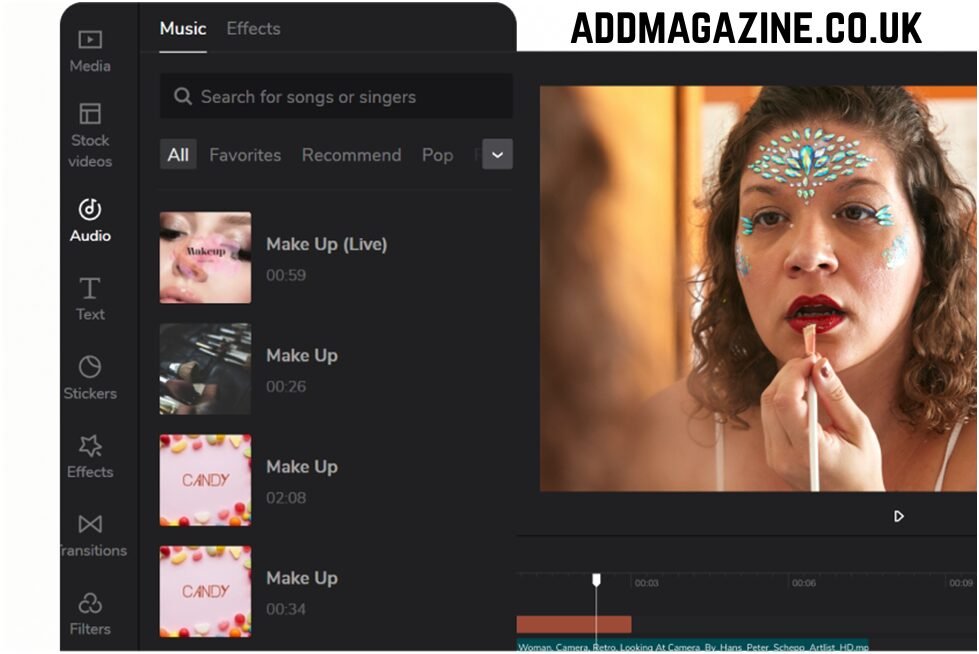
If you’re creating videos in 2026 and you’re not using CapCut yet, you’re either missing out — or working way harder than you need to. In a world where short-form video dominates social media, creators need a tool that’s fast, powerful, and easy to use. That’s exactly where CapCut comes in.
Originally known for its mobile-first editing approach, CapCut has evolved into a full-featured video editing platform that works seamlessly across desktop, mobile, and web. Whether you’re editing TikTok clips, YouTube Shorts, Instagram Reels, or long-form content, CapCut gives creators everything they need — without the steep learning curve.
A Video Editor Built for Speed and Creativity
One of the biggest reasons CapCut stands out is its speed. You can import clips, trim footage, add effects, and export a polished video in minutes. The interface is clean and intuitive, making it perfect for beginners while still powerful enough for advanced creators.
CapCut offers:
- Easy drag-and-drop editing
- Multi-layer timelines
- Smooth transitions and cinematic effects
- Advanced text animations and captions
- Royalty-free music and sound effects
For creators who post daily or weekly, this matters. Time saved on editing is time gained for shooting, planning, or growing your audience.
Designed for Social Media Success
CapCut understands how content performs on platforms like TikTok, YouTube, and Instagram. That’s why it offers ready-made templates optimized for trends, formats, and aspect ratios. Want to jump on a viral trend fast? CapCut lets you do it without starting from scratch.
Auto captions are another game-changer. With one click, CapCut generates accurate subtitles — essential for keeping viewers engaged, especially since many people watch videos without sound.
From beat sync effects to motion graphics, CapCut helps creators make videos that look professional and feel current, even if they’re editing on a laptop or phone.
AI-Powered Tools That Actually Help
CapCut isn’t just about filters and effects — it’s also powered by smart AI tools that simplify editing:
- Background removal without green screens
- Smart cutouts for people and objects
- AI text-to-speech and voice effects
- Auto beat matching for music-driven videos
These features reduce manual work and help creators focus on storytelling and style rather than technical complexity.
CapCut for Every Type of Creator
CapCut isn’t just for influencers. It’s used by:
- Content creators and streamers
- Small business owners
- Freelancers and marketers
- Students and beginners
- Brands producing social media ads
Whether you’re editing a personal vlog, a gaming clip, a product promo, or a cinematic montage, CapCut adapts to your needs.
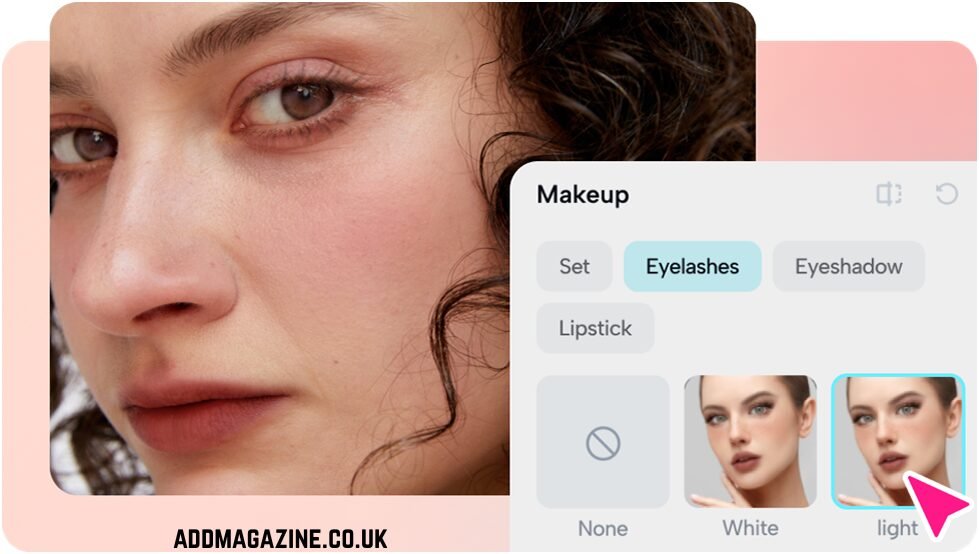
Free to Start, Powerful Enough to Scale
One of CapCut’s biggest advantages is accessibility. You can start for free and still access a huge range of tools. For creators who want more advanced assets, cloud storage, and premium effects, CapCut also offers paid options — without the complexity of traditional professional editing software.
This balance makes CapCut ideal for creators who want to grow without investing heavily upfront.
In today’s creator economy, editing speed and quality can make or break your content. CapCut gives creators the tools to move fast, stay creative, and keep up with trends — all in one platform.
If you’re serious about video content and want an editor that grows with you, CapCut is one tool you shouldn’t ignore.
Company name: ByteDance
Contact Person:
Email: capcut.support@bytedance.com
City: Beijing
Country: China
Website: https://www.capcut.com