Online privacy used to feel like something attached to a place. People thought about the home computer, the office network, or the family Wi-Fi router. The internet was still risky, but the setting was familiar. A person usually knew which device they were using, which network they were connected to, and where most of their important accounts were being accessed.
That version of internet use now feels outdated.
A normal day may involve checking email on a phone, joining a work dashboard from a laptop, paying for something on a tablet, watching a show on a smart TV, and logging into social media from a cafe or airport lounge. The same person may move between home Wi-Fi, mobile data, public networks, hotel connections, shared offices, and travel hubs without thinking much about the change.
This has made privacy less like a setting you adjust once and more like a habit that has to travel with you. The issue is not that every online moment is dangerous. The issue is that ordinary convenience now follows people across too many devices and too many networks.
Privacy Used to Be a Fixed-Place Problem
The older idea of online safety was built around stable environments. A desktop computer sat in one room. A work machine stayed in the office. A home router served the same household every day. If something felt risky, it was usually connected to a specific device or location.
That made privacy easier to imagine. A user could install antivirus software, set a stronger Wi-Fi password, update a browser, and feel reasonably prepared. The boundaries were clearer because the internet was less mobile.
Today, those boundaries are weaker. Work messages appear on personal phones. Streaming accounts move between televisions, tablets, and hotel Wi-Fi. Banking apps sit next to shopping apps, travel apps, and social feeds. The device in someone’s hand may carry more sensitive information than the old household computer ever did.
The implication is important: privacy can no longer depend only on one safe place. It has to follow the user as they move between screens, networks, and accounts.
Public Wi-Fi Made Privacy More Situational
Public Wi-Fi is one of the clearest examples of this shift. It is convenient, ordinary, and easy to trust too quickly.
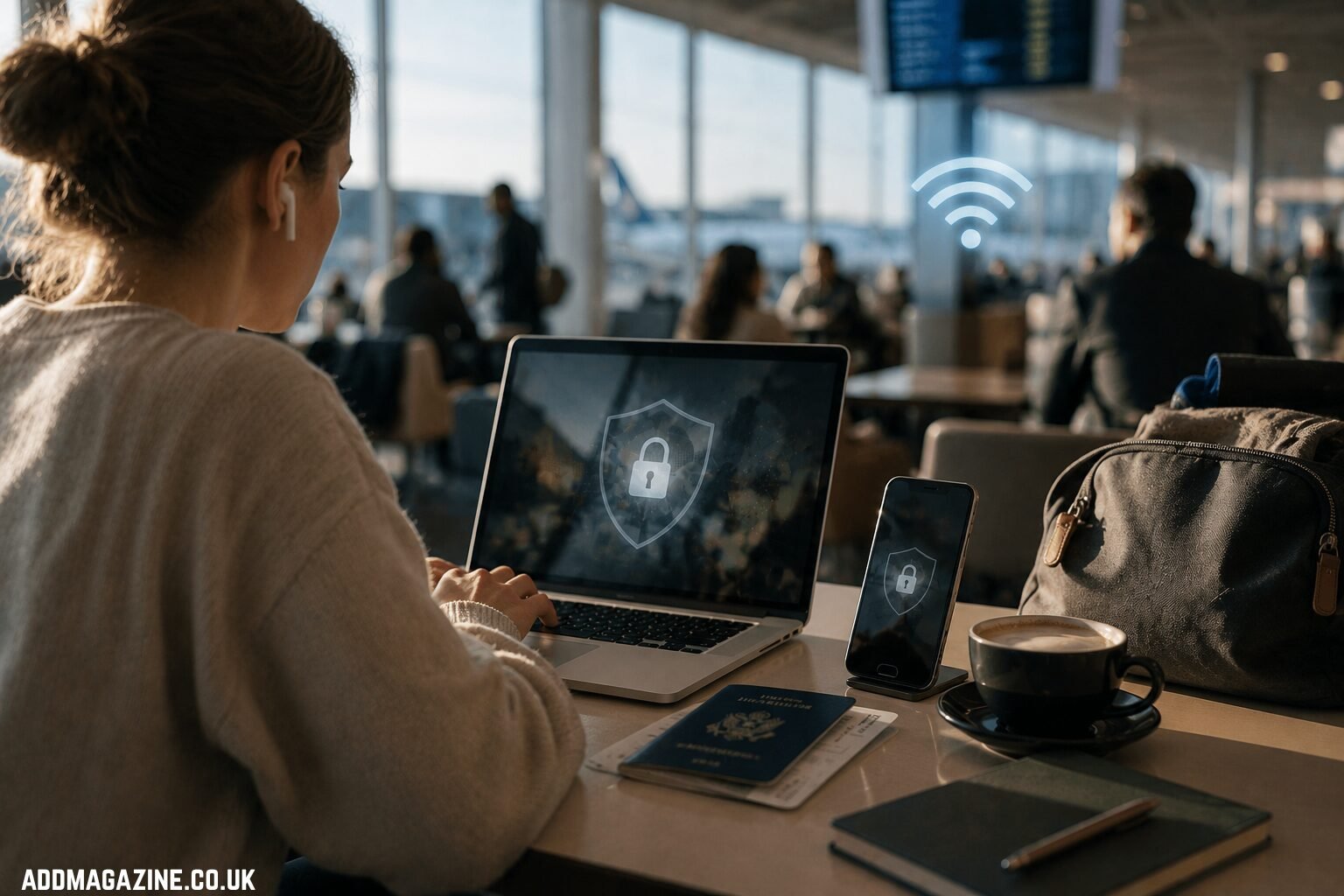
A person working from a coffee shop may open email, check shared files, message colleagues, and log into a payment account within the same hour. A traveller may do the same from a hotel lobby or airport lounge. The network feels like background infrastructure, but the user often does not know who manages it, how secure it is, or who else is connected.
That does not mean public Wi-Fi should be treated with panic. It means the situation deserves a different level of care. Reading the news on a public network is not the same as logging into work software, handling financial information, or opening private documents.
This is where lightweight privacy tools can become part of an everyday routine. For users who want a simple layer of protection when browsing on shared networks, a free VPN can be a practical starting point. It should not be treated as a cure for every online mistake, but it can help make public-network browsing less exposed.
The broader lesson is that privacy depends on context. The same action can carry different risk depending on where it happens.
The Device Matters as Much as the Network
People often talk about internet privacy as if the network is the only issue. The device matters just as much.
A phone, laptop, tablet, smart TV, and work computer do not carry the same habits. Some devices are updated regularly. Others are ignored for months. Some are used only by one person. Others are shared with family, roommates, guests, or colleagues. Some have sensitive apps installed. Others are used mostly for entertainment.
That variety creates gaps. A person may be careful on a laptop but careless on a phone. They may use strong passwords for work tools but stay signed into personal accounts on a shared tablet. They may avoid suspicious links on email but download random apps from unfamiliar pages.
Software sources are part of this problem. When privacy tools are involved, users should be especially careful about where the app comes from. A legitimate VPN download from an official source is safer than copied installers, outdated mirrors, or random app pages that may create more risk than they solve.
Services such as X-VPN sit in this everyday privacy category: useful not because they turn people into security experts, but because they make basic protection easier to carry across common devices and networks.
Convenience Is Usually Where Privacy Slips
Most privacy problems do not begin with dramatic decisions. They begin with small shortcuts.
A user saves a password because they are in a hurry. They approve an app permission without reading it. They click a delivery message that looks almost right. They postpone an update for another week. They stay logged into an account on a shared device. None of these actions feels serious in the moment.
The problem is repetition. Small shortcuts become habits, and habits become exposure. Convenience is not the enemy of privacy, but it is often the place where privacy is quietly weakened.
This is why better privacy habits need to be realistic. Telling people to behave like cybersecurity professionals will not work for most households, students, travellers, or small business owners. The more useful approach is to identify the moments where people are most likely to act automatically: joining Wi-Fi, downloading apps, clicking links, approving permissions, and reusing passwords.
A portable privacy mindset does not require fear. It requires noticing when convenience is making the decision on the user’s behalf.
A Portable Privacy Routine Is Better Than One Big Tool
No single tool can solve every privacy problem. A VPN cannot fix a weak password. A strong password cannot stop a user from approving unnecessary app permissions. Two-factor authentication cannot make an unofficial download safe. Each habit covers a different weakness.
That is why a routine matters more than a single dramatic change.
A sensible routine is not complicated. Use unique passwords for important accounts. Enable two-factor authentication where it matters. Be cautious on public Wi-Fi. Download software from official sources. Keep devices updated. Review app permissions occasionally. Avoid treating every device and network as equally safe.
The value comes from consistency. These habits do not need to dominate a person’s online life. They simply reduce the number of easy openings that can turn into larger problems.
As internet use becomes more mobile, privacy needs to become more portable. People now carry work, money, entertainment, identity, and personal communication across different devices every day. The safer approach is not to retreat from that convenience, but to build habits that can move with it.
Everyday privacy is no longer tied to one desk, one router, or one device. It travels wherever the user logs in next.