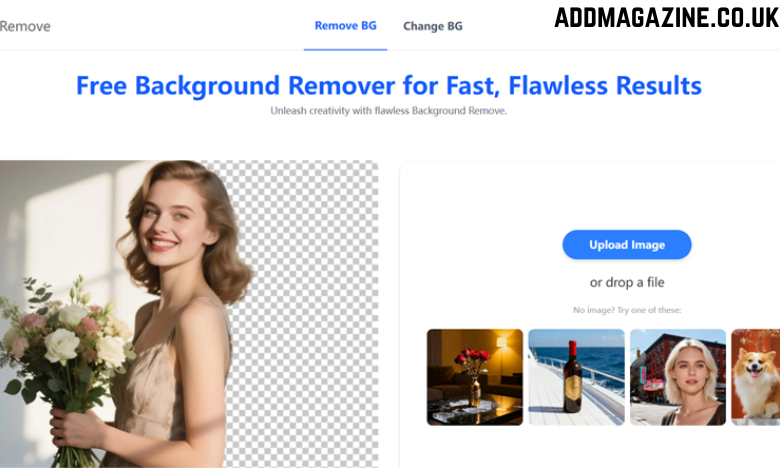
Ecommerce success depends heavily on the quality of product photos. Clear, sharp images with clean backgrounds instantly make your products look more professional and trustworthy. This is why sellers on Amazon, eBay, Shopify, Etsy, Daraz, and other platforms always prefer neat product images with white or transparent backgrounds. If you are running an online store, you need a fast and simple background remover free tool to prepare your images without spending money.
The good news is that today many free AI tools can remove backgrounds automatically, giving you studio-style results within seconds. This article explains how these tools help ecommerce sellers, what features matter most, and how you can use them effectively.
Why Background Removal Matters in Ecommerce
Product images represent your brand. Customers decide whether to buy or skip a product mostly based on visuals. A clean background offers many advantages:
- Highlights your product clearly
- Looks professional and trustworthy
- Removes distractions
- Increases click-through rate
- Boosts conversion and sales
- Works better on white background marketplaces
- Makes your product look premium
A background remover free tool helps sellers maintain this quality even without expensive editing software.
What Makes a Good Ecommerce Background Remover?
Not every tool produces clean product cutouts. Ecommerce photos need sharp edges, accurate colors, and maintained texture quality. Here are essential features a good tool must provide:
1. Sharp Edge Detection
Tools must identify product outlines properly, especially for items like:
- Jewelry
- Clothes
- Shoes
- Electronics
- Transparent bottles
Sharp edges make the product look real and polished.
2. HD Quality Export
Even if the background is removed perfectly, low-quality output ruins the overall impression. A solid free tool should maintain:
- High resolution
- True colors
- Original details
3. Automatic AI Removal
AI helps detect:
- Shadows
- Curves
- Soft edges
- Textures
- Product shape
AI-based removal is faster and more accurate than manual erasing.
4. White & Transparent Background Options
Ecommerce platforms prefer:
- Pure white backgrounds
- Transparent PNGs for design use
A background remover should support both.
Why Ecommerce Sellers Prefer AI Background Removal
Online store owners don’t have time to edit every product manually. If you sell 50, 100, or 500 items, you need something quick.
AI background removers are ideal because:
- They process photos in seconds
- They automatically detect the main product
- They maintain original quality
- They handle shadows without problems
- They work the same on mobile and desktop
This makes AI the best option for ecommerce workflows.
How to Use a Background Remover Free for Your Product Photos
Here’s the step-by-step process most sellers follow:
Step 1: Choose an AI Background Remover
Pick a tool that is fast, accurate, and doesn’t reduce quality.
Step 2: Upload Your Product Image
Whether it’s clothing, cosmetics, accessories, or electronics, upload it directly from your device.
Step 3: Wait for Automatic Background Removal
AI removes the background instantly without any manual work.
Step 4: Refine Edges if Necessary
You can fix small mistakes using:
- Restore brush
- Erase brush
- Soft edge tool
Step 5: Choose Your Final Background
Ecommerce sellers usually prefer:
- White background for product listings
- Transparent background for advertisements
- Custom color for social media posts
Step 6: Download the Final Image in HD
The final step is to export your image in high resolution for uploading to your product pages.
Benefits of Free Background Removers for Online Sellers
Using a background remover free tool offers several major advantages:
✔ Saves Time
Each image takes 3–5 seconds instead of minutes.
✔ Saves Money
No need to hire editors or buy expensive software.
✔ Professional Look
Your store appears organized and trustworthy.
✔ Works on Any Device
Mobile and desktop support make it flexible.
✔ Perfect for Bulk Editing
If you have many products, fast AI removal helps you edit all photos in a single session.
Tips for Taking Photos That Remove Backgrounds Cleanly
Even the best AI tools need clear images. Follow these tips for best results:
1. Use Good Lighting
Bright and even lighting helps AI detect edges.
2. Keep the Product Centered
Centered products are easier to outline.
3. Use Neutral Backgrounds
Plain backgrounds improve accuracy.
4. Avoid Motion Blur
Take steady photos to keep the product sharp.
Why Background Removal Helps Increase Sales
A clean product image stands out more on search pages and increases customer trust. When buyers can clearly see what they’re getting, they feel more confident to purchase. In competitive marketplaces, simple and neat product images often perform better than highly designed ones.
Professionally edited product photos help with:
- Higher click-through rates
- Lower return rates
- Better user experience
- Strong brand identity
With a background remover free, any seller can achieve this quality without investing money.
Conclusion
A reliable background remover free tool is essential for ecommerce product photos. It helps online sellers create clean, sharp, and professional-looking images that attract customers and boost sales. With AI technology, background removal has become fast, automatic, and completely free—perfect for anyone running an online store.