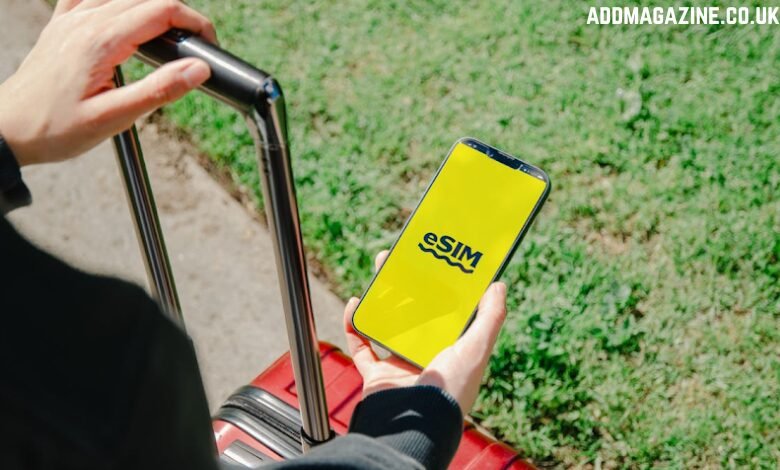
Travelling to the US, or just outside Europe for that matter, used to mean juggling roaming charges, physical SIM cards, airport Wi-Fi, and an awkward trip to a carrier store. Now, with a simple eSIM United States plan, you can avoid all that friction and get connected right on landing.
That said, destinations differ, and so do our smartphones, so it’s always good to ensure compatibility before travelling. We’ll look at this alongside a few things you need to know before travelling to the US.
What exactly is an eSIM, and how does it function?
eSIM stands for embedded Subscriber Identity Module. Instead of using a physical SIM card with a chip, a universal chip is built into the device. From there, you only need to configure it to connect to a particular network.
This means you don’t have to insert a physical SIM card, but your phone will still connect to your carrier the same way a SIM card would. In fact, iPhones in the US no longer have physical SIM card slots since the iPhone 14 release in 2022.
The beauty of this connectivity innovation for travellers is that you can pick just about any provider and connect to US networks without visiting a physical store or airport kiosk.
Which devices support eSIMs in the US?
First of all, it’s important to ensure that your device supports eSIM technology. This shouldn’t be an issue for most flagship devices released since 2018, but others may not have the capability.
A quick way to check this on any smartphone is to dial *#06#. If there’s an EID number (not just an IMEI), your phone supports eSIMs.
But apart from that, US networks don’t connect to just any phone. The phone needs to be whitelisted to work with most US networks, so do a quick Google search on that. However, this issue only applies to plans with a US mobile number for texts and calls, so you should be fine with a data-only plan.
How to choose the right eSIM plan for the US
The choice of eSIM provider is an important one as it determines the prices, convenience, and even coverage.
- Consider your usage needs – What will you be doing? Just checking Google Maps and other light stuff, or connecting to video calls on the go?
- Check coverage – Even big carriers in the US have gaps in rural areas, so consider your location, the best carriers in that region, and what providers your eSIM offers.
- Convenience and support – How will you activate the plan? Is there customer support, and can you manage your account online?
Apart from that, you probably need to ensure the plan or provider allows hotspots if you have a second device.
Activating and managing your eSIM
Once you’ve picked your provider and purchased a plan, you just need to activate it. This part is easy as most providers offer a QR code you can scan. Alternatively, you can enter a manual activation code in your device’s settings.
On iPhones, this option is available at Settings > Cellular (or Mobile Service) > Add eSIM. On an Android device, navigate to Settings > Network & Internet (or Connections) > SIM Cards (or SIM Management) > Add eSIM.
You should receive specific instructions on what to enter from your eSIM provider. Check your email. From there, enable Data Roaming for the eSIM. Note that you need an internet connection for the entire process.
Once it’s activated, you can now monitor your usage via the provider’s app. Most providers allow you to set usage warnings, but you can always top up on the go.