Cover stills die in the last hour of a print close, not because the desk lacks another generator. A picture editor already signed one photo. Then someone asks to replace the sky or add a neon sign, and the usual tool rebuilds the whole frame. Nano banana is the path that keeps the approved file and only changes the asked region, if the desk pastes the image URL instead of starting a new render.
The published edit path on that workspace is short: open the model, upload the image or paste an image URL, describe the change, then generate. The claim worth checking on a magazine desk is whether the signed still survives the follow-up prompt when the sky has to move and the face cannot.
Approved Stills Die When The Whole Frame Restarts
Weekly magazines run on signed files. A cover or a double-page hero has already passed legal, the writer, and the picture editor. The late change that forces a brand-new generate is the real miss. Hairlines shift. Type on a shop sign drifts. The person who already approved the still has to review a stranger.
Older image tools train that habit. They treat every request as a new picture. The desk then spends the close comparing two almost-similar frames instead of checking one requested change. Designers usually notice the miss when the replacement looks fine until it sits next to the original crop and the subject is a different person. That single discard would never clear a picture meeting that asks which file was signed.
The reprint cost sits on that miss. If the wrong sky ships, the desk does not get a quiet digital tweak. Print has already been booked. The rework is a same-day cycle of killing the frame, arguing the new face, and hoping the printer can still take a swap. Lost hours come from that argument, not from the Generate Image button.
Paste The Image Url Instead Of Re-Exporting
The published edit flow is built for a file the desk already has. Open Nano Banana. Upload the image or paste the image URL from the CMS. Describe one change. Generate. The example on the product page is blunt: replace the sky with a sunset and add a neon sign. The desk should write one ask, not a new scene.
Paste matters more than upload on a magazine week. The approved still already lives in the CMS. Re-exporting it to a desktop folder creates a second original. Pasting the URL keeps the conversation on the file that legal already saw. If the URL is wrong, the edit is wrong before the model runs. Check the link first.
Generation is listed at about 30 seconds. That is long enough to keep the picture editor in the same meeting, before the page has been locked. If the first pass moves the face, stop. Do not stack adjectives. The next prompt should name the region that failed, not invent a new cover.
Follow-Up Prompts Stay On One Approved File
The same page allows a follow-up prompt or another variation on the result. That is the useful loop for a close. The first pass changes the sky. The second pass only fixes the neon if the sign is unreadable. The third pass should not exist. If the desk is still rewriting the brief, the still was never the right source.
A picture meeting can write that as a rule. One signed URL. One requested change. One follow-up if a named region failed. Anything after that is a new cover, and a new cover does not belong in the last hour. The tool will keep answering. The desk has to refuse the extra variation.
Download Png Or Webp For The Print Check
The edit FAQ lists PNG or WebP as the download. Those are the files to drop back into the layout, not a screenshot of the workspace. A screenshot picks up chrome and compression the printer did not ask for. PNG keeps the edges the picture editor already judged. WebP is lighter for a digital sister page if the same still has to move online.
The print check is simple. Place the download in the final trim. Read the masthead, the cover lines, and the face at the size it will actually print. If the sky is right and the face drifted, reject the file. Do not send the printer a “close enough” still because the generate was fast.
Why The Picture Desk Rejects A Fresh Generate
A fresh text-to-image pass can look stronger than the signed still. That is the trap. The desk is defending a file that already has a caption, a credit, and a legal note. A new generate invents another subject. The caption then lies.
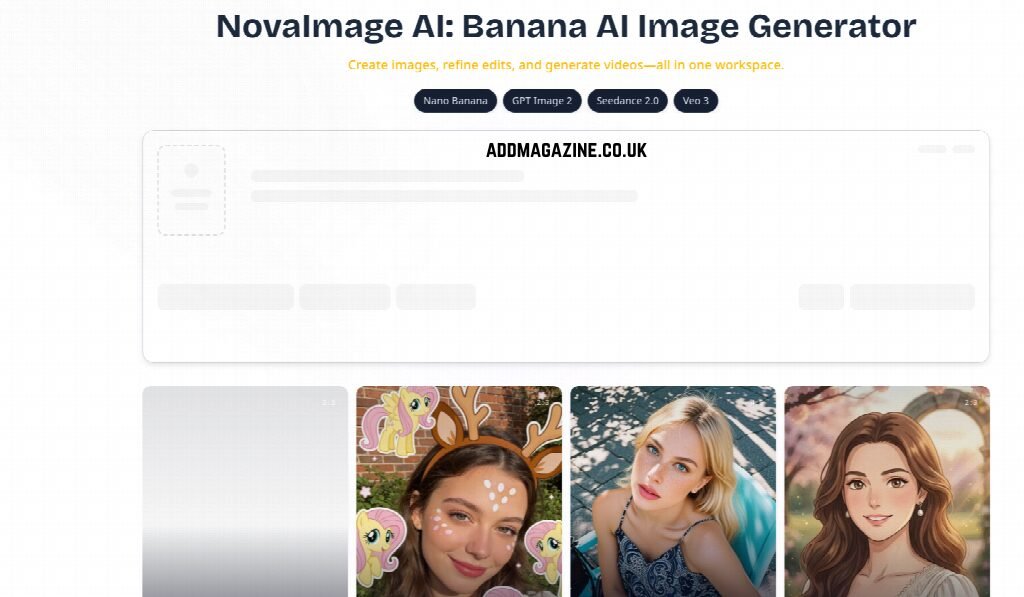
NovaImage AI also sells a full image workspace with model picks and aspect ratios. Those controls belong to a first-pass hunt, not to a last-hour edit. If the picture editor opens Choose Your Mode and starts from a prompt, they have left the signed file. The reject rule is the same: if the subject changed, the page cannot use it.
On a UK features desk the reject is verbal and fast. The editor holds the original crop and the new frame side by side. If a reader would think it is a different person, the file is dead. No scorecard is required. The unreadable result is the new face, not a missing style preset.
Reprint Cost Beats Another Pretty Replacement Frame
Print still charges for a late swap. The real bill is the printer conversation, the missed slot, and the apology to a writer whose copy now sits under the wrong face. A pretty replacement that forces that call is a failed edit, even if the sunset looks better.
The cheaper move is the smaller ask. Keep the signed still. Change the sky. Download PNG. Put it in the trim. If that still cannot take the change, the honest next step is to kill the cover idea, not to generate a stranger and hope the credit line still works.
How Conversational Edit Fits A Weekly Close
The mechanism is conversational because the desk can keep talking to the same image, without opening a layer stack or teaching a mask lesson. That is why it fits a weekly close: the picture editor can stay in the meeting, paste the CMS URL, and judge the result before the page is locked.
A banana ai image generator still has to earn that slot. The workspace asks for a sign-in before credits are used. Failed generations are published as no charge. Those two facts matter to a production manager, not to the caption. They do not replace the picture editor’s reject.
Keep the edit path for a still that is already signed and a change that stays local. In the earlier hour, when the desk is still choosing the cover from scratch, a full generate on NovaImage AI is a different job. Mixing the two jobs is how the signed file gets lost.
Keep The Cover File When Only The Sky Changes
Picture editors who already signed the still, and only need one region to move, can keep the CMS URL, write one change, and download PNG or WebP into the trim. If the face drifted, reject the file. A desk still hunting a cover from a text prompt belongs on a first generate, not this edit loop.
NovaImage AI is useful on that narrow job because the edit starts from a file the magazine already owns. The close stays calmer when the signed still is the source, not a souvenir of a better-looking stranger.