A retail display has a limited amount of time to communicate its message. Someone passing a shop window may notice a product for only a few seconds, while a customer already inside might stop to examine it more closely. An effective presentation needs to account for both situations.
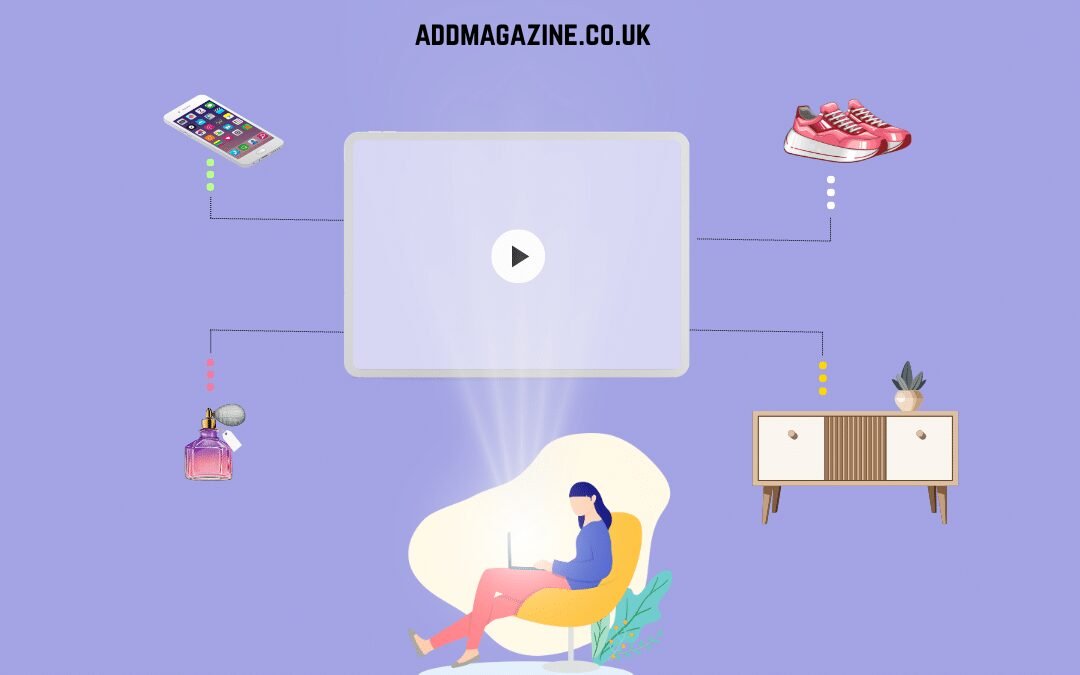
Animation offers retailers a creative approach to showcase their products and highlight promotional campaigns. Movement can show an item from different angles or reveal a feature that is difficult to communicate through a single photograph. However, the content and its position matter just as much as the equipment playing it.
For businesses considering hologram-style displays, the starting point should be a clear advertising brief: what should customers notice, understand and do next?
Give the Display One Main Job
Before creating an animation, decide what it needs to achieve. A window installation might introduce a new product range. A store display can provide useful details about a product while also guiding shoppers towards the right section where they can easily locate the item they need.
Keep the central message focused. An animation that combines several offers, product descriptions and brand statements can become difficult to follow, especially for someone walking past.
A useful exercise is to describe the message in one sentence. If that sentence requires a long explanation, the content may need simplifying or dividing between different materials.
Supporting information can appear nearby. Printed signage, packaging and conversations with staff can provide details that do not belong in the animation itself.
Understand How the Image Is Created
Hologram fans use LEDs mounted on rotating blades. When the rotating blades move, each light flashes in a carefully controlled pattern. The rapid changes create an optical effect called persistence of vision, allowing the human eye to blend the individual flashes into a single smooth image that seems to hover in mid-air.
Retailers exploring 3D holographic fan displays should understand that this effect differs from a conventional projector directing light onto a screen. It does not produce a genuine three-dimensional form with consistent depth and detail that remains complete when viewed from different perspectives.
Those distinctions influence how the equipment should be used. A product animation needs to be assessed from the positions customers will actually occupy, including people approaching from either side of a window.
Design the Content Around the Product
Effective animation should highlight the product’s purpose and make its key function instantly understandable. A slow rotation might show its overall shape, while a separate sequence could highlight a recognisable detail.
Avoid adding effects simply because the software makes them possible. Too many moving elements can compete with the product and make the presentation harder to interpret.
Leave space around the main object and keep text brief. Small lettering that appears readable on a designer’s monitor may disappear when viewed from several metres away.
Make sure the animation represents the product accurately. It should not imply features, dimensions or performance that the physical item cannot support. Where a visual is illustrative, the surrounding explanation should make that clear.
Review the Complete Shop Environment
A display does not operate in isolation. Lighting, reflections, shelving and nearby signs all influence the viewing experience.
For a window installation, check the image from outside the premises at different times of day. Reflections in the glass may affect visibility, and the background behind the equipment can change how the animation appears.
Inside the shop, consider customer movement. Position the display where it supports browsing without blocking a walkway or encouraging people to gather in a narrow space.
Ensure that the equipment meets the required standards and can perform effectively under the expected operating conditions. An indoor installation facing through a window should not be treated as equivalent to an outdoor display.
Make Installation and Operation Practical
Equipment with rotating components needs careful positioning. Follow the manufacturer’s instructions for the specific model and establish whether a protective enclosure is required.
Mount the display securely and prevent customers from accidentally reaching moving parts. Plan cable routing and ensure staff can access the controls without interfering with shoppers.
Assign responsibility for daily operation and content updates. Someone should check that the correct animation is playing and that any advertised offer remains current.
Keep approved files organised so that outdated promotions are not loaded accidentally. Test each new animation on the actual equipment before making it part of the shop’s presentation.
Assess Whether the Message Is Working
Once the display is running, observe how it fits into the customer experience. Do people understand which product is being shown? Can they find the corresponding item? Are staff receiving useful questions or repeatedly explaining something the animation leaves unclear?
Use those observations to refine the content and location. A shorter sequence or simpler message may be more helpful than adding another effect.
Animated retail advertising should support the shopping experience. When the product, message and installation work together, the display becomes part of a clear presentation rather than an isolated visual attraction.