TikTok has become one of the most important platforms for music discovery and promotion. However, simply uploading a song is often not enough to capture audience attention. Creators need engaging visuals, synchronized lyrics, and creative effects to make music content stand out. With the development of AI Video Generator tools, creators can now transform ideas, audio concepts, and creative directions into visually engaging videos more efficiently.
In this guide, we compare the best TikTok lyric video generators in 2026 and explore their features, strengths, and use cases for musicians, content creators, and brands.
Part 1. Top AI Tools for Creating TikTok Lyric Videos in 2026
MagicLight AI — Best Overall AI Lyric Video Generator
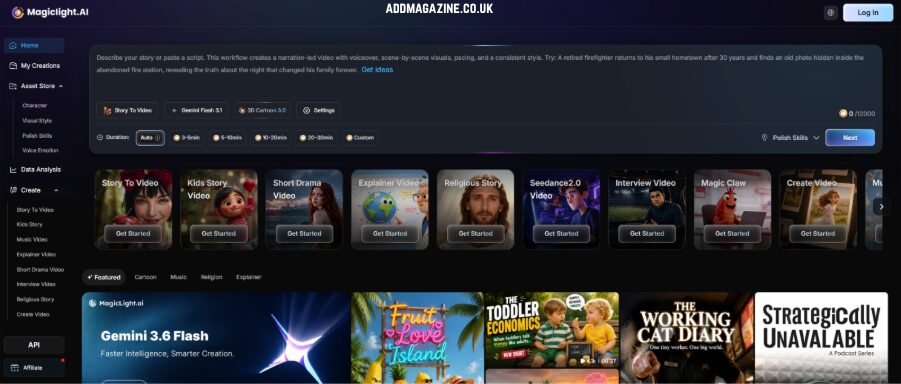
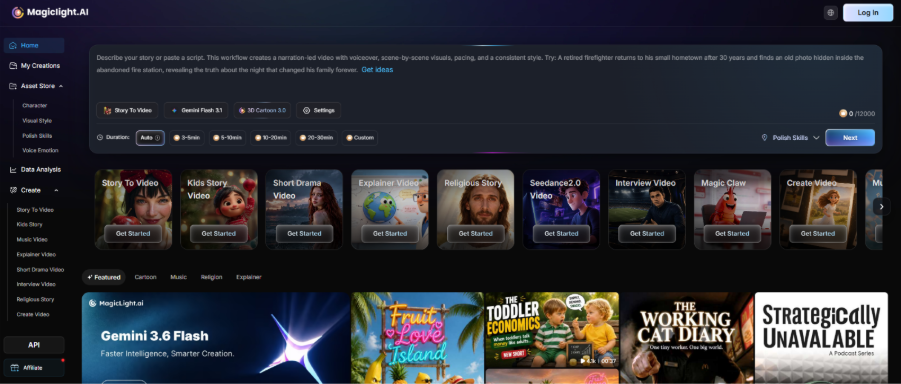
MagicLight AI provides a complete AI video creation workflow for creators who want to turn music ideas into engaging visual stories. Unlike simple lyric editors that only add animated text, MagicLight AI focuses on combining storytelling, AI-generated scenes, visual effects, and creative styles into a complete video experience.
With its AI-powered video generation workflow, creators can transform song concepts into dynamic visuals that match the mood and theme of the music. This makes it suitable for TikTok lyric videos, music storytelling content, promotional clips, and short-form videos.
For creators who want to create more structured music content, this Magic AI Video Generator helps turn songs into visually engaging videos with AI-generated scenes and creative effects.
Pros:
- Complete AI video creation workflow
- Supports storytelling-based music visuals
- Helps create unique visual styles for TikTok content
Con:
- Better suited for creative AI video generation than simple text-only lyric editing
Canva AI Video — Best for Simple Lyric Videos
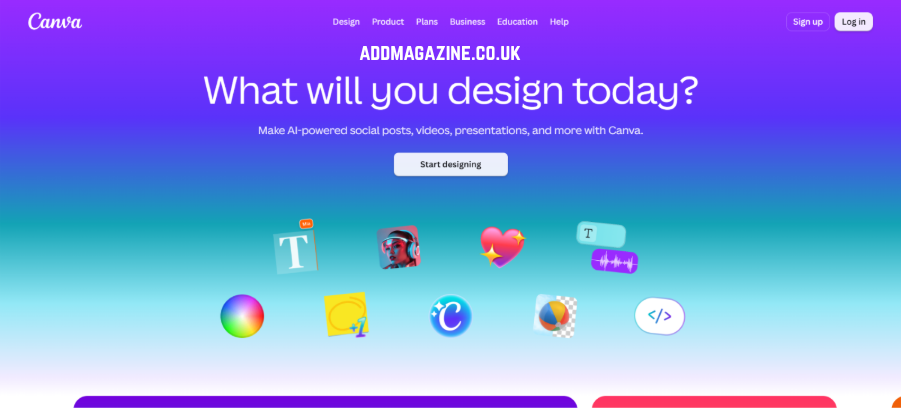
Canva AI Video is a beginner-friendly option for creators who want to create simple lyric videos without complex editing skills. By combining AI-powered features with its existing design tools, Canva allows users to add animated lyrics, customize templates, apply visual effects, and quickly create social media-ready videos.
It works well for creators who already have song lyrics and need an efficient way to turn them into clean visual content for TikTok, Instagram Reels, or YouTube Shorts. With its template-based workflow and intuitive editor, Canva makes lyric video creation accessible for beginners who do not have professional video production experience.
Pros:
- Easy-to-use interface
- Large selection of templates
- Suitable for simple lyric animations
Con:
- Limited advanced storytelling and cinematic effects
CapCut AI — Best for TikTok-Focused Editing
CapCut AI is widely used by TikTok creators because of its strong connection with short-form video editing workflows. It provides a range of AI-assisted features, including automatic captions, animated text effects, music synchronization, transitions, filters, and creative effects, making it convenient for creators who want to produce engaging TikTok content quickly.
For lyric video creation, CapCut is especially useful for users who prefer more control over the editing process. Creators can manually adjust lyric timing, customize text animations, match visual effects with music beats, and fine-tune transitions to create a more personalized result. Its mobile-friendly interface also makes it suitable for creators who need to edit and publish videos directly for TikTok.

Pros:
- Strong TikTok-focused editing features
- Powerful text animations and effects
- Easy control over timing and transitions
Con:
- More focused on video editing than AI-generated storytelling workflows
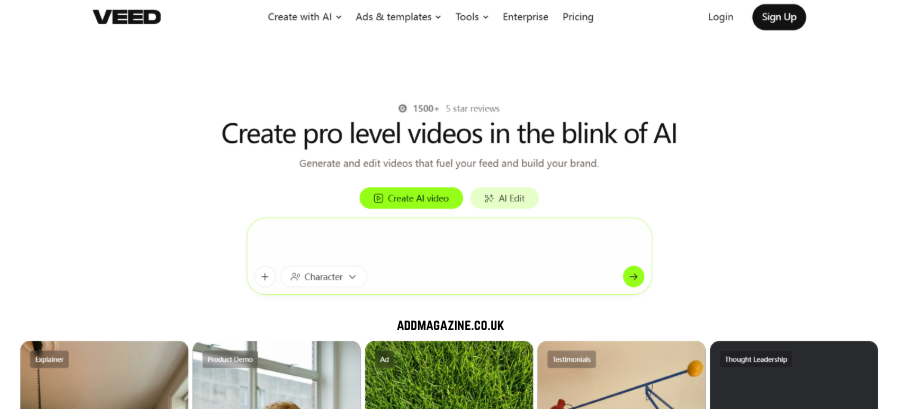
VEED AI — Best for Online Lyric Video Creation
VEED AI offers browser-based video creation tools that help creators generate and edit lyric videos directly online without requiring professional editing software. Its simple workflow allows users to add subtitles, customize lyric styles, apply animations, and adjust visual elements to create engaging music content quickly.
For lyric video creation, VEED AI is a practical choice for creators who need an efficient online solution for social media platforms such as TikTok, Instagram Reels, and YouTube Shorts. Its intuitive interface makes it easy to edit text timing, add effects, and refine video details, making it suitable for beginners and content creators who want a faster production process.
Pros:
- Online editing workflow
- Easy subtitle customization
- Suitable for beginners
Cons:
- Less focused on AI-generated storytelling visuals
- Limited advanced AI-generated visuals for complex music storytelling
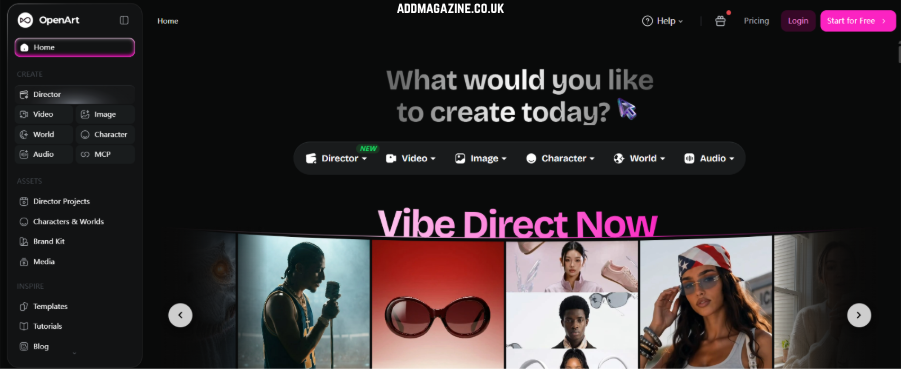
Runway — Best for Creative Music Visuals
Runway focuses on AI-generated visuals and creative experimentation, making it a strong choice for creators who want to explore unique visual styles for music content. It allows users to generate original scenes from text prompts, apply AI-powered visual effects, enhance footage, and experiment with different artistic directions.
For musicians, filmmakers, and visual creators who want more experimental visuals rather than traditional lyric videos, Runway provides greater creative control over the look and feel of each scene. It is especially useful for creating cinematic concepts, abstract music visuals, and artistic video backgrounds.
Pros:
- Advanced AI visual effects
- Strong creative flexibility
- Suitable for experimental music videos
Cons:
- Requires more creative planning and editing skills
- May require more creative input and editing skills to achieve the desired results
Part 2. Key Features to Look for in a TikTok Lyric Video Generator
Choosing the right lyric video generator depends on the type of content creators want to produce. The most useful tools usually combine lyric processing, visual generation, and customization features.
Lyric Synchronization
Accurate lyric timing is essential for TikTok music videos. A good AI lyric video generator should automatically match lyrics with audio beats and ensure that text appears at the right moments.Precise synchronization improves viewer experience and makes videos feel more professional.
AI-Generated Visuals
Modern lyric videos are no longer limited to simple text animations. AI-generated visuals allow creators to build backgrounds, characters, and scenes that match the emotion of the song.For example, a romantic song may use soft cinematic scenes, while an energetic track may use dynamic colors and fast-moving visuals.
Animated Text Effects
Text animation plays an important role in keeping TikTok audiences engaged. Features such as kinetic typography, transitions, and motion effects help lyrics become part of the visual storytelling.
Creative Visual Styles
Different music genres require different visual identities. A good tool should support various styles, including cinematic, animated, futuristic, or minimalist designs.
TikTok-Friendly Video Formats
Since TikTok mainly uses vertical videos, creators should choose tools that support mobile-friendly formats such as 9:16 videos, clear text placement, and optimized resolution.
Part 3.Key Features Comparison of TikTok Lyric Video Generators
Choosing the right TikTok lyric video generator depends on the features creators need. Some tools focus on quick lyric editing, while others provide AI-generated visuals and storytelling capabilities. The table below compares five popular AI video tools based on key features for lyric video creation.
| Key Feature | MagicLight AI | Canva AI Video | CapCut AI | VEED AI | Runway |
| Lyric Synchronization | ★★★★☆ Supports music-based video creation and storytelling workflows | ★★★☆☆ Basic text and animation timing | ★★★★★ Strong auto captions and lyric timing tools | ★★★★☆ Good subtitle synchronization | ★★☆☆☆ Requires more manual editing |
| AI-Generated Visuals | ★★★★★ Creates AI-generated scenes and visual storytelling content | ★★★☆☆ Mainly uses templates and design elements | ★★★☆☆ Focuses on effects and editing rather than scene generation | ★★★☆☆ Limited AI visual creation | ★★★★★ Advanced AI visual generation |
| Animated Text Effects | ★★★★☆ Supports creative visual text integration | ★★★★★ Large selection of text animations and templates | ★★★★★ Rich TikTok-style text effects and transitions | ★★★★☆ Customizable subtitle styles | ★★★☆☆ Requires additional editing |
| Creative Visual Styles | ★★★★★ Supports different storytelling styles and cinematic visuals | ★★★☆☆ Best for simple design-based styles | ★★★★☆ Offers trendy social media effects | ★★★☆☆ Provides basic customization options | ★★★★★ Strong cinematic and experimental styles |
| TikTok-Friendly Formats | ★★★★★ Supports short-form video creation workflows | ★★★★★ Optimized for social media designs | ★★★★★ Built for TikTok and short-form videos | ★★★★☆ Supports social media exports | ★★★☆☆ May require extra adjustments |
Part 4. FAQs on TikTok Lyric Video Generator
Do AI lyric videos increase music visibility on TikTok?
Yes. AI lyric videos combine music and visuals to improve engagement.
What makes a lyric video engaging for TikTok audiences?
Strong visuals, accurate lyric synchronization, creative effects, and a style that matches the music can improve viewer engagement.
Which AI features are most useful for music creators?
Useful features include lyric synchronization, AI-generated visuals, animated text effects, and customizable styles. MagicLight AI also helps create more visual storytelling experiences.
Can creators customize AI-generated lyric videos?
Yes. Creators can adjust visuals, text styles, effects, and other elements to match their creative direction.
Part 5. Conclusion
AI lyric video generators are becoming valuable tools for TikTok creators who want to produce engaging music content faster. From simple lyric animations to AI-generated music stories, these tools help creators transform songs into visually appealing videos.
Rather than focusing only on text effects, MagicLight AI delivers an all-in-one creative environment that supports visual design, story development, and automated video creation.