Starting a clothing brand often makes product photography feel like an all-or-nothing decision. Either you book a proper shoot, with a model, studio time and retouching, or you try to make do with a few hurried photos taken at home.
Most small brands live somewhere in between. The samples have arrived, the launch date is close, and a mood board cannot settle whether to prioritise an on-model image, a flat lay or a lifestyle scene.
An AI clothes swap tool can be useful at this stage. It gives a brand a quick way to test a small number of outfit or styling directions from clean reference images before it commits to the final shoot.
That is a very different job from replacing product photography. A preview can help a team choose a direction. It cannot prove exactly how a fabric feels, how a size fits or whether a particular item is in stock. Keeping that distinction clear makes the workflow more useful — and more honest to future customers.
A small clothing brand can make stronger shoot decisions by comparing a few clear styling directions before production begins.
Start with the questions that cost the most to answer later
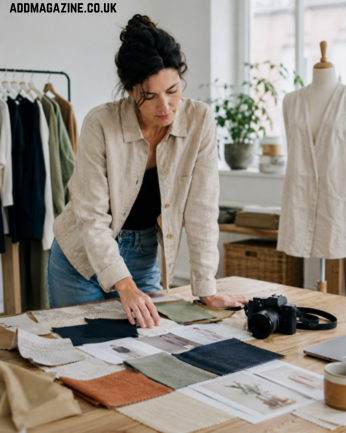
Before a shoot, a clothing brand is usually deciding between a few expensive possibilities. A model may only be available for half a day. A new collection may include too many colourways to photograph every idea. The founder may have a strong view of the brand, while the person handling the website needs images that explain the garment quickly.
That is where visual previews can help. They turn a vague conversation into something everyone can look at.
For example, a small brand might use previews to compare:
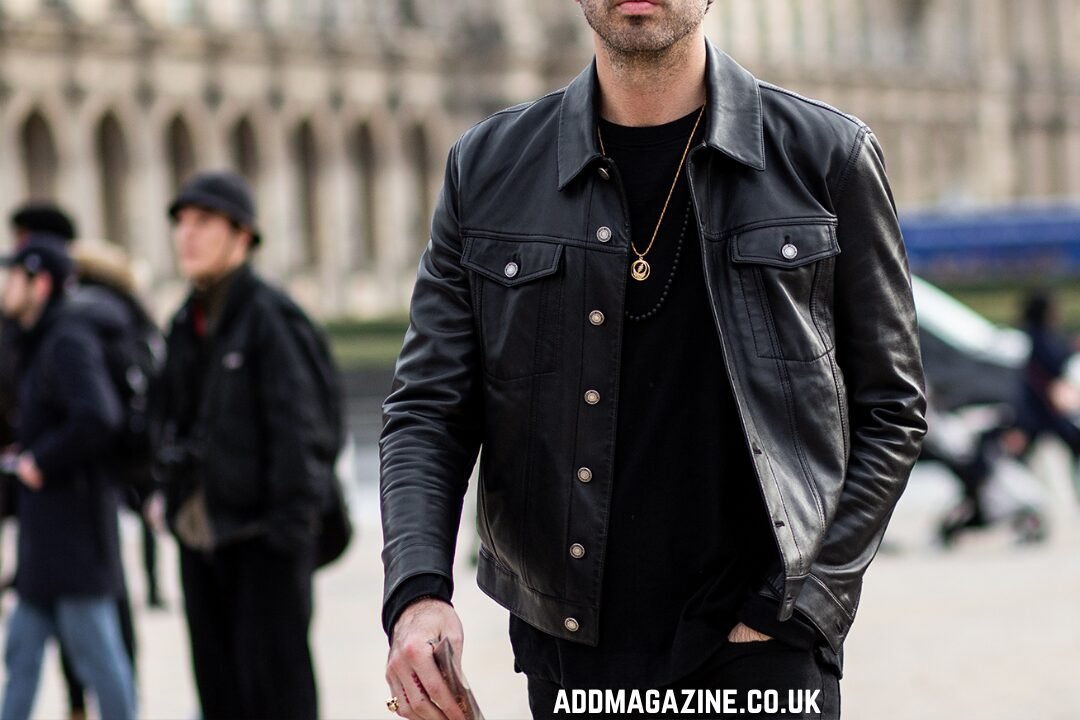
- a casual and a more polished way to style the same outer layer;
- three possible colour stories for a launch email;
- whether a garment needs a full-body photo or a detail-led image;
- which combinations look clear enough for social posts and which are too busy;
- whether an idea deserves a place on the final shot list at all.
The goal is not to make dozens of finished-looking images. It is to rule out weak choices before they take up studio time, samples and attention.
Make the source images boringly good
AI previews are only as dependable as the material going into them. A clear source image gives the team something useful to judge. A dark mirror selfie, heavy filter or cluttered rail of clothes makes every later decision less certain.
For an early styling test, use a simple adult model or mannequin reference with readable shoulders, torso and garment area. Keep the lighting even. Photograph the garment separately as well, especially if the cut, collar, seams, print or texture matter to the decision.
It also helps to keep a source-photo checklist for AI outfit previews beside the sample rack. The practical basics — clean background, clear framing, unblocked hands and honest light — save a surprising amount of time later.
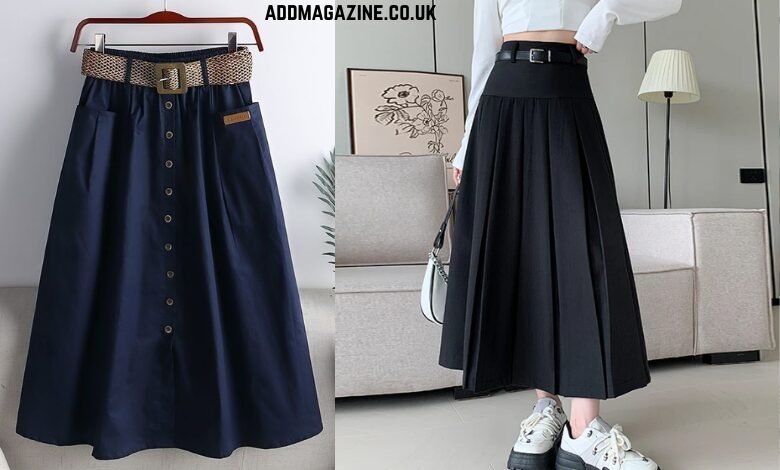
Do not change five things at once. If the team is comparing a blazer with trousers or a skirt, keep the pose, background and general lighting stable. Otherwise, it becomes impossible to tell whether the improvement came from the garment, the styling or a completely different image.
Use colour as a narrow decision, not a promise
Colour is one of the easiest areas to test because the question can stay focused. A brand may be choosing between olive, navy and stone for a campaign direction. A founder may want to see whether a warmer neutral works with the rest of a capsule collection. A social team may need to decide which colourway should lead the first launch post.
In that situation, a workflow to preview clothing colour changes can help a team compare visual direction without rebuilding every image from scratch.
But colour previews need a boundary. Screens and light change how fabric reads. A preview is helpful for deciding what to shoot; it should not be the only evidence a customer gets when choosing a garment colour.
For a product page, the real item still needs to be photographed in a way that lets shoppers see the material and shade as clearly as possible. For an early campaign board, a controlled preview can be enough to decide where the brand should put its effort.
A simple three-bucket review before booking the shoot
The cleanest way to avoid overusing AI is to classify each visual rather than treating every result the same.
| What the team needs to decide | A preview can help | A real photograph is still needed |
| Campaign mood and styling direction | Yes — compare a small set of consistent options | Before the final campaign is published |
| Launch-email hero image | Yes — shortlist the composition and colour direction | When the email makes a specific product claim |
| Social-media concept | Yes — test which look reads at a small size | For a final post that represents the actual item for sale |
| Ecommerce product page | Useful for planning the shot list | Yes — customers need accurate fabric, fit, colour and details |
| Close-up workmanship or vintage condition | Not reliably | Always — show seams, wear, texture and flaws as they are |
This is not a rule against creative experimentation. It is a way to give each image the right job. A draft visual can be good enough to guide a decision without being good enough to sell a garment.
Keep the first test small
A small brand does not need a new production system to try this. Choose one question: perhaps how an overshirt works across three looks, or which of two colours should lead the spring collection. Gather the product references, a usable person or mannequin image, and the visual rules that matter: background, palette, mood and audience.
Then test a limited group of variations. Three to five is usually more revealing than thirty. Put the strongest options side by side and ask practical questions: Can a shopper see the garment? Does it feel like the brand? Is the styling distracting from the product? Would the direction still work if it were photographed for real?
Finally, make the production decision. Some ideas go on the shot list, some become social inspiration only and some are dropped. That means fewer vague decisions when the photographer, sample and model are all in the same room.
Check product truth before anything reaches a customer
There is a big difference between using an AI-assisted image inside a creative meeting and using one to persuade someone to buy. Before a visual is customer-facing, a brand should slow down and check what it is actually showing.
Look closely at the garment. Are the collar, cuffs, buttons, zip, hem, pockets, print and seams represented accurately? Does the fabric fall in a believable way? Has a pattern stretched or changed? Is the image suggesting a colourway, accessory or combination that the brand does not sell?
Then check the person and the permissions. Use images that the brand owns or has permission to edit. Do not use a customer, employee or collaborator’s likeness without their agreement. Keep the subject matter fully clothed, age-appropriate and relevant to the audience.
Finally, check the words around the image. If a visual is a styling concept, say so where needed. If a product page shows the real garment, make sure the description, size information and close-ups do not contradict it. Clear context protects both the shopper and the brand.
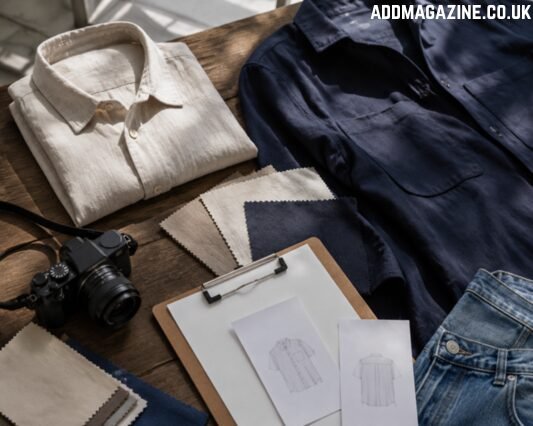
A final human review should check garment details and customer-facing accuracy before any visual goes live.
Product photography is still part of the customer experience
For online clothing brands, photography is not decoration. They need to know whether a shirt is structured or soft, whether trousers sit high on the waist, whether a dress is sheer, and what makes one colour different from another.
That is why the strongest use of AI is often earlier in the workflow. It can help a brand arrive at a shoot with a clearer idea of what to capture. It can make a small team more decisive about styling and colour direction. It can help reduce the number of ideas that reach the expensive stage without a reason.
The real shoot still does the job that matters most: showing the actual item with enough clarity for a customer to make a fair decision.
The practical takeaway
New clothing brands do not have to choose between a full campaign budget and rushed phone photos. There is room for a middle stage where the team tests a handful of visual directions, sharpens the shot list and keeps the final customer-facing images grounded in reality.
Use AI previews to ask better questions before the shoot. Use real photography to answer the questions a customer needs answered before buying. That balance gives a small brand more creative room without asking shoppers to take a leap of faith.