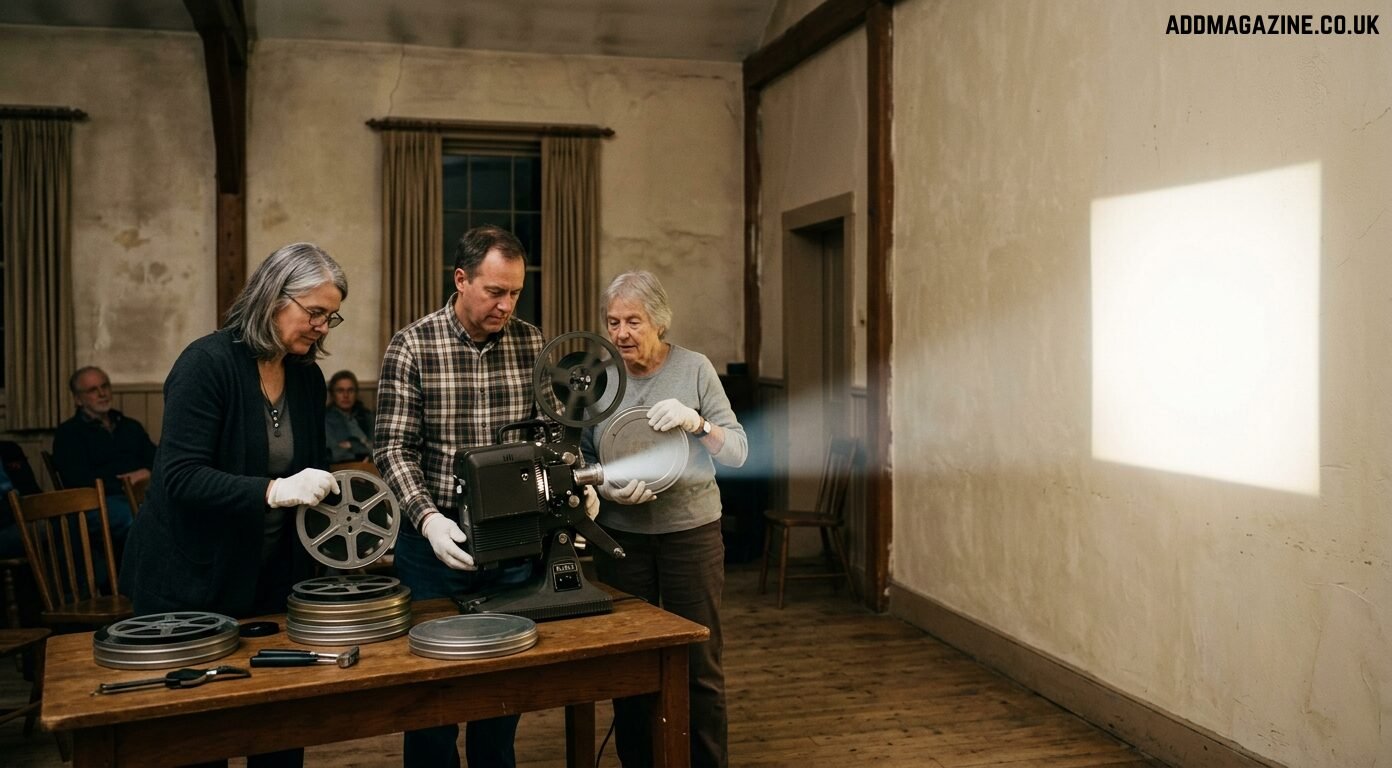
A film that looks charming on a laptop can become almost unreadable when projected across a village-hall wall. Faces soften, scratches grow, and every jump in exposure becomes obvious. However, the footage’s true significance comes from what it captures, rather than the sharpness of the image. A local parade, a factory floor or a family outing may contain details that exist nowhere else. The challenge is to prepare that material for modern screens without scrubbing away the character that makes it evidence. Community archives can now do much of this work with accessible digital tools, provided they start with a sound capture, keep the original safe and label every interpretive change.
Begin with the best scan you can obtain
Restoration cannot improve what was never captured. Film formats such as 8mm and 16mm need careful scanning, while VHS and other tapes need stable playback hardware and a reliable capture route. Rare, fragile or mould-affected material belongs with a specialist. For ordinary collections, the important principle is to capture once at the best practical quality rather than repeatedly handling the source.
Store that first digital file as a read-only master. It may contain grain, scratches and uneven colour, but it is the closest available record of the physical item. Record the format, approximate date, owner, people or places shown, and any uncertainty. A clear note is more valuable than a confident guess that later becomes accepted as fact.
Diagnose defects before choosing a treatment
Old footage rarely has one problem. Film can have dust, scratches, weave and exposure changes. Tape may show tracking errors, colour bleed and interlacing. Early digital transfers often add compression blocks or an incorrect aspect ratio. Softness may come from a low-resolution scan, but it can also come from missed focus in the original camera.
Write a short defect list before processing. Clearly separate the corrections required for presentation from the material taken directly from the original source. A scratch that obscures a face may justify repair. Fine grain that communicates the film stock may deserve to remain. This small act prevents the tool from deciding the aesthetic by default.
Upscale for the screen you actually have
Resolution should follow the destination. A school website, an archive kiosk and a 4K projector need different files. The UniFab Video Upscaler offers several specialised models and local output up to 16K, while FabCloud supports output up to 4K. Equinox is designed for versatile video enhancement, while Vellum focuses on fine visual detail, Kairo caters to animated material, and Titanus delivers a film-inspired aesthetic. For most community film, the useful question is not the maximum number but which moderate setting keeps faces and buildings believable.
Test ten to thirty seconds containing movement, a close face and a textured surface such as brick, fabric or foliage. Compare the result at the final display size. Watch for artificial pores, doubled edges and patterns that shimmer between frames. If a 2x or 4K version reads cleanly on the intended screen, going further may add processing and storage without adding visible value.
Do not polish away the evidence
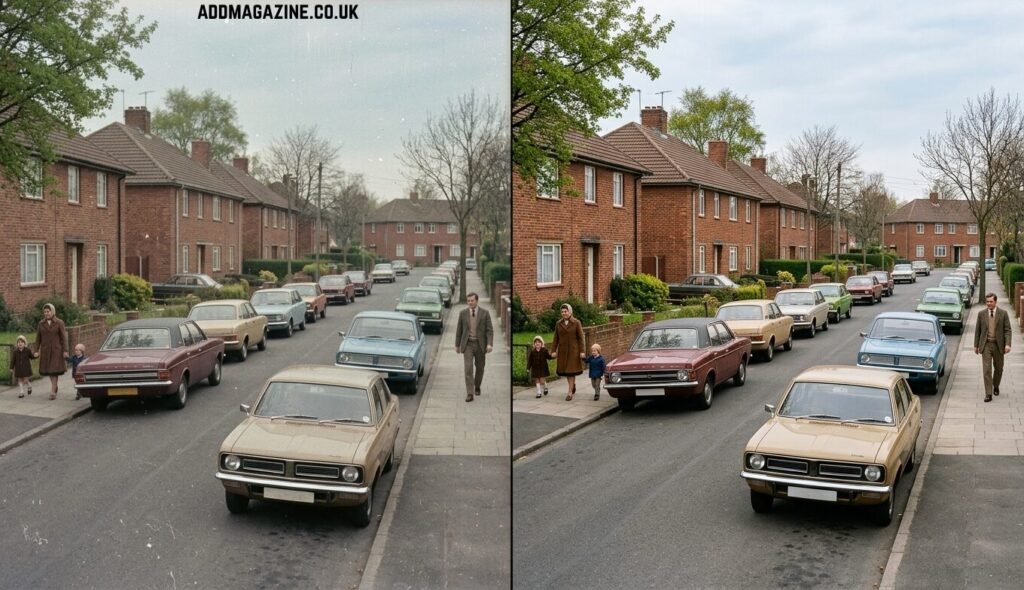
Restoration is most convincing when it remains modest. Heavy denoising can turn skin into wax and flatten stone, timber or clothing. Strong sharpening can outline objects with bright halos. Cropping a square or 4:3 frame to fill a widescreen display may remove people standing at the edge. Even stabilisation can change the composition if it zooms too far into the image.
Keep a split-screen review for the archive team. Ask whether the new version reveals the same scene more clearly or invents a different visual character. Where possible, allow a local historian or person familiar with the place to review signage, uniforms and landmarks. Their role is not to approve pixels but to catch alterations that change meaning.
Treat colour as interpretation, not repair
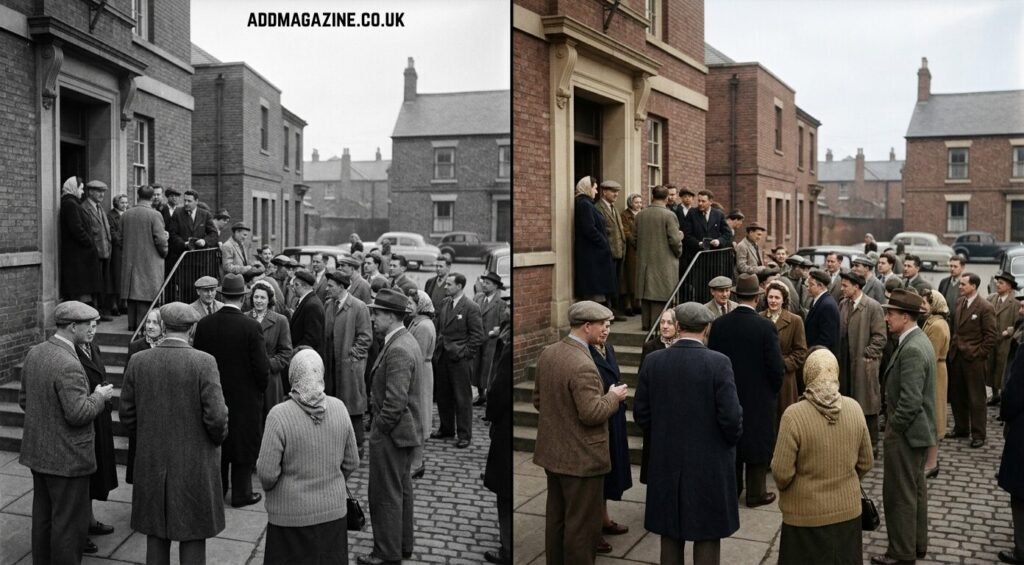
Colourisation can make monochrome footage more approachable for exhibitions and education, but it is not the same as removing dust. An AI Video Colorizer analyses faces, objects and lighting frame by frame. Temporal consistency reduces flicker, and multi-scene detection helps rebalance a cut from an interior to an outdoor scene. Presets include vivid cinema, muted documentary, warm nostalgic and a customisable option.
For archive work, restraint and disclosure matter. Use photographs, uniforms, paint records or written descriptions as references when available. Choose a subdued palette when evidence is limited. Label the result as colourised and keep the black-and-white restoration available beside it. The new version may be useful for engagement, but it should never become the only surviving copy or be presented as a newly discovered colour original.
Prepare the material for a community screening
A successful screening needs more than a clean image. Confirm that the frame rate plays smoothly, the aspect ratio is correct and the audio is audible without harsh noise reduction. Add captions when speech is difficult to follow, and identify places or dates in the programme notes rather than covering the historic image with excessive labels.
Check rights and privacy before publication. Ownership of a reel, permission to digitise it and permission to publish the people shown are not always the same thing. For material supplied by residents, agree where the restored copy may appear and how contributors will be credited. Keep that permission with the archive record.
Finally, export at least two derivatives: a high-quality screening master and a smaller access copy for the web. Store both with the untouched scan, the restoration notes and any research used for colour decisions. A future volunteer should be able to understand the entire chain without relying on someone’s memory.
Frequently asked questions
Can a small archive restore film without expensive hardware?
Many cleanup and upscaling tasks can run on a computer or through cloud processing. Fragile physical material and high-quality scanning may still require a specialist.
Does higher resolution always look better?
No. The useful ceiling depends on the scan and the final display. Excessive upscaling may create false texture without revealing more history.
Should film grain be removed?
Only when it seriously blocks viewing. A moderate amount can be part of the source’s visual character.
Is AI colourisation suitable for exhibitions?
It can be, if it is clearly labelled, reviewed for plausibility and displayed alongside or linked to the monochrome version.
What file should an archive protect most carefully?
The best untouched digital capture. Every cleaned, upscaled or colourised version can be recreated only if that master survives.
Let the archive remain an archive
Modern tools can help old footage meet a new audience, but the strongest result is not the glossiest one. It is the version that reveals faces, places and movement while preserving the path back to the source. Capture carefully, diagnose before processing, upscale for the real screen, label colour and store every decision. Then the community receives a film it can watch today without losing the evidence it may need tomorrow.