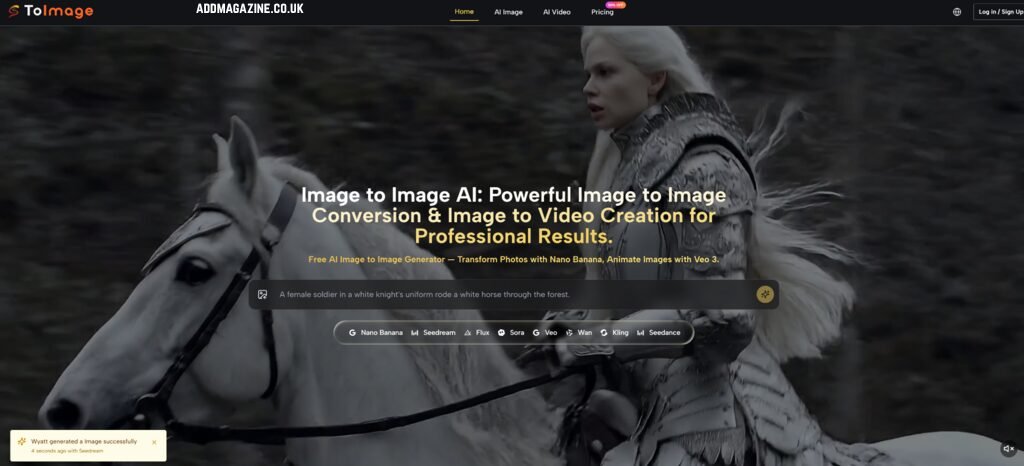
The AI image generation landscape in 2026 presents an unusual paradox. The models themselves have never been more capable—Google’s nano-banana delivers unprecedented consistency, Flux produces photorealism that rivals studio photography, and Veo turns still frames into fluid motion with synchronized audio. Yet for anyone who creates images regularly, the practical question has quietly shifted. During my testing, one platform approached the problem differently by centering its workflow around Image to Image
The recent wave of multi‑model aggregation platforms tries to answer that friction by bringing multiple engines into the same environment. The premise sounds efficient on paper. Whether it actually changes the way you work, however, depends entirely on how well the routing between models, the interface, and the output consistency hold up under real creative pressure. I ran multiple tasks through it—product visualization, character restyling, and image‑to‑video extension—to see if the model‑router concept delivers beyond the demo stage.
My Testing Framework: Three Real‑World Scenarios Across Model Paths
To evaluate the platform without relying on marketing claims, I designed three distinct creative tasks that represent the kinds of work professionals actually do. Each scenario tests a different model pathway against a specific friction point.
Scenario One: Product Visualization When the Source Image Is All You Have
The challenge of preserving identity while transforming context
One of the first tasks I set was converting a simple product photo—taken with a phone camera, flat lighting, white background—into a lifestyle image suitable for an e‑commerce landing page. The request was straightforward: a sunlit kitchen counter with contextual props, natural shadows, and no visible branding.
How the reference‑led model handled composition and detail
Uploading a single reference image and describing the desired setting is a standard image‑to‑image workflow on this platform. In my testing, the model analyzed the source photo and generated a new version that preserved the product’s shape, label text, and proportions while replacing the background and adding realistic environmental lighting. However, after three rounds of prompt refinement, the output passed as usable marketing material.
This meant I could upload additional shots of the same product from different angles to strengthen the AI’s understanding of what to preserve. That multi‑reference capability, in my observation, makes a meaningful difference when the task involves commercial assets where identity consistency is non‑negotiable.
Scenario Two: Character Restyling Without Losing Visual Identity
The difficulty of maintaining face and pose across stylistic shifts
The second scenario I ran was a character redesign task: take a portrait illustration and reinterpret it in three different artistic styles—watercolor, cyberpunk neon, and hand‑drawn fantasy—while keeping the subject’s face, pose, and proportions intact.
What iterative refinement revealed about prompt flexibility
The model selection panel on the platform keeps the previous prompt visible and editable without forcing you into a separate history view. When I iterated through thirty or forty generations of the same concept, that small interaction detail saved real cognitive energy. I did not have to re‑type the same directional instructions repeatedly. The prompt remained intact while I switched between available models to test which one handled stylization better.
That said, the quality of the output depended heavily on how I framed the prompt. Vague instructions produced inconsistent results. But when I specified precisely what to preserve (“keep face and pose unchanged”) and what to change (“convert environment to cyberpunk street scene with neon signage”), the model tracked the distinction reasonably well across most generations.
Scenario Three: Image‑to‑Video Extension for Motion Content
When still images need to move
The third scenario tested the image‑to‑video pathway. I uploaded a static landscape photo and prompted for a short video clip: clouds drifting across the sky, gentle water ripples, and subtle camera movement. The platform includes Veo as a motion extension option, and in my testing, it generated clips that maintained the original composition while adding plausible motion. The video output included synchronized audio—footsteps, ambient sound, and other incidental effects—which aligns with what independent reviewers have noted about the model’s ability to create full soundscapes.
However, the results varied with more complex prompts. A request involving character movement and facial expressions produced less reliable outcomes. From a practical user perspective, the image‑to‑video pathway works best when the source image has clear spatial depth and the desired motion is simple and directional.
The Model Router: Why Different Visual Tasks Need Different Engines
Moving beyond the one‑model‑fits‑all assumption
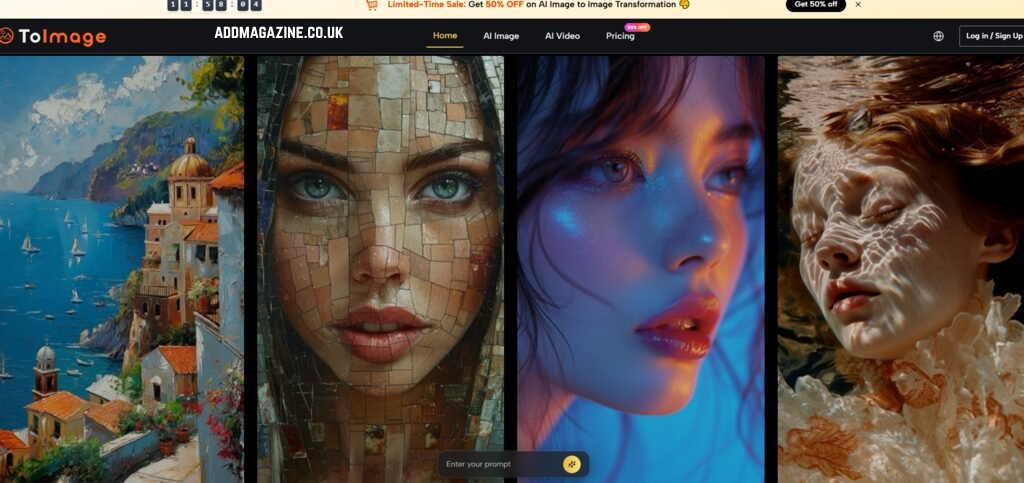
The public structure of the platform surfaces different models for different visual intentions. Rather than pretending one engine can handle every creative task, it organizes the workflow around several model paths. In my testing, the logic of this approach became apparent through direct comparison.
What the model selector actually offers in practice
From my observation, the platform includes distinct pathways: one optimized for reference‑led transformation and hyper‑realistic detail, another positioned for fast iteration and structured editing, a third focused on photorealism with strong composition control, and a separate option for turning still images into video. The key is not the sheer number of models but the fact that the interface keeps you in the same prompt‑and‑generate loop regardless of which model you select. That continuity, in my testing, made exploration feel like an integrated workflow rather than a fragmented series of isolated experiments.
Inside the Workflow: A Step-by-Step Guide to Using the Platform
The website outlines a straightforward three‑step flow. Based on my testing, here is what each step involves in real use.
Step One: Establish Your Visual Foundation
Why the source image matters more than the prompt
The system studies the basic shapes, lighting direction, and spatial arrangement of the source image. If you upload a drawing of a circle on a desk, the system understands that there is a round object resting on a flat surface. This base image acts as an anchor. It stops the system from guessing wildly and instead forces it to follow the general layout you have provided. This is particularly helpful because it means you remain in control of the overall composition, even if you cannot draw fine details yourself.
That multi‑reference capability reduced uncertainty significantly compared to single‑image workflows.
Step Two: Define the Transformation You Want
Writing directional prompts that actually work
While the source image provides the skeleton, the text prompt provides the style, atmosphere, and specific changes. Examples that worked well in my testing included:
The generation panel kept the previous prompt visible and editable across model switches, which made refinement feel like adjusting parameters rather than starting over each time.
Step Three: Select a Model and Generate
Choosing the right pathway for your task
This is where the model‑router concept becomes tangible. Different tasks performed better on different pathways in my testing:
- For product transformation with strict preservation requirements, the reference‑led model consistently delivered better composition retention.
- For fast conceptual exploration and variation testing, the iteration‑focused model generated usable results more quickly.
- For still images that needed motion, the video extension pathway produced plausible clips with simple directional prompts.
The platform does not force you to know which model to choose upfront. Instead, you can run the same prompt across multiple models simultaneously and compare outputs side by side. That parallel comparison feature, in my observation, is where the multi‑model approach delivers its clearest value.
Real Limitations Worth Acknowledging
No platform performs perfectly across every task, and this one is no exception. Based on my experience, several limitations are worth noting.
The quality of output varies significantly with prompt quality. Vague instructions produce inconsistent results, and complex scenes with multiple interacting elements may require several refinement rounds. Not every generation meets the same standard. In my testing, some outputs introduced distortions—particularly on fine details like typography or facial features—that required regeneration.
The image‑to‑video pathway works reliably for simple motion but becomes less predictable with character animation or complex camera movements. The platform does not guarantee identical results across repeated generations of the same prompt. That variability is inherent to probabilistic AI models, not a flaw specific to this platform.
The model range, while valuable for experienced users, may feel overwhelming to someone who just wants a quick edit. A newcomer might need some time to understand which model suits which task. The platform’s broader range offers creative depth but at the cost of a slightly steeper initial learning curve.
Who This Workflow Is Best Suited For
If you are a creator who switches between product visualization, character design, concept exploration, and short motion content within the same week, keeping all those pathways inside one environment reduces switching costs meaningfully.
Conversely, if your work is highly specialized and you use only one model consistently, a single‑model platform may serve you just as well. The value here is versatility, not specialization.
A Cleaner Alternative to Subscription Fatigue
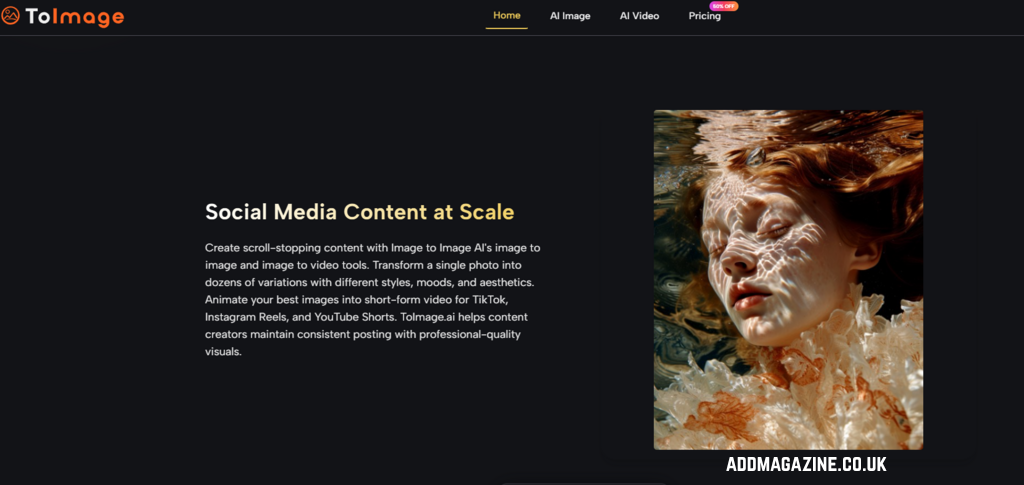
The interface itself deserves a brief mention because it directly affects how the workflow feels. In my testing, the platform kept a straightforward image history that remained accessible across sessions. I lost a batch of client‑approved images on another platform once because I cleared my browser cache without realizing that “save” did not mean “persist on server.” That experience made me paranoid about generation history. On this platform, the image history persisted without local‑storage dependencies, which addresses a specific pain point for anyone who has lost work after clearing a browser cache.
The generation panel does not distract with animated transitions or upgrade nudges. The model selector is straightforward. The gallery loads fast. For late‑night concepting sessions, that calm design is worth more than a marginal improvement in photorealism scores.
At the end of a month of testing, the most telling sign was this: Image to Image AI became the platform I kept open in a pinned tab, not because it won any single spec war, but because it won the week‑over‑week reliability test. The images were not always the most emotionally arresting, but they were consistently the most immediately usable across client drafts, social templates, and concept boards. For creators who measure tools by how little they interrupt the actual work, that usability may be the only metric that ultimately matters.