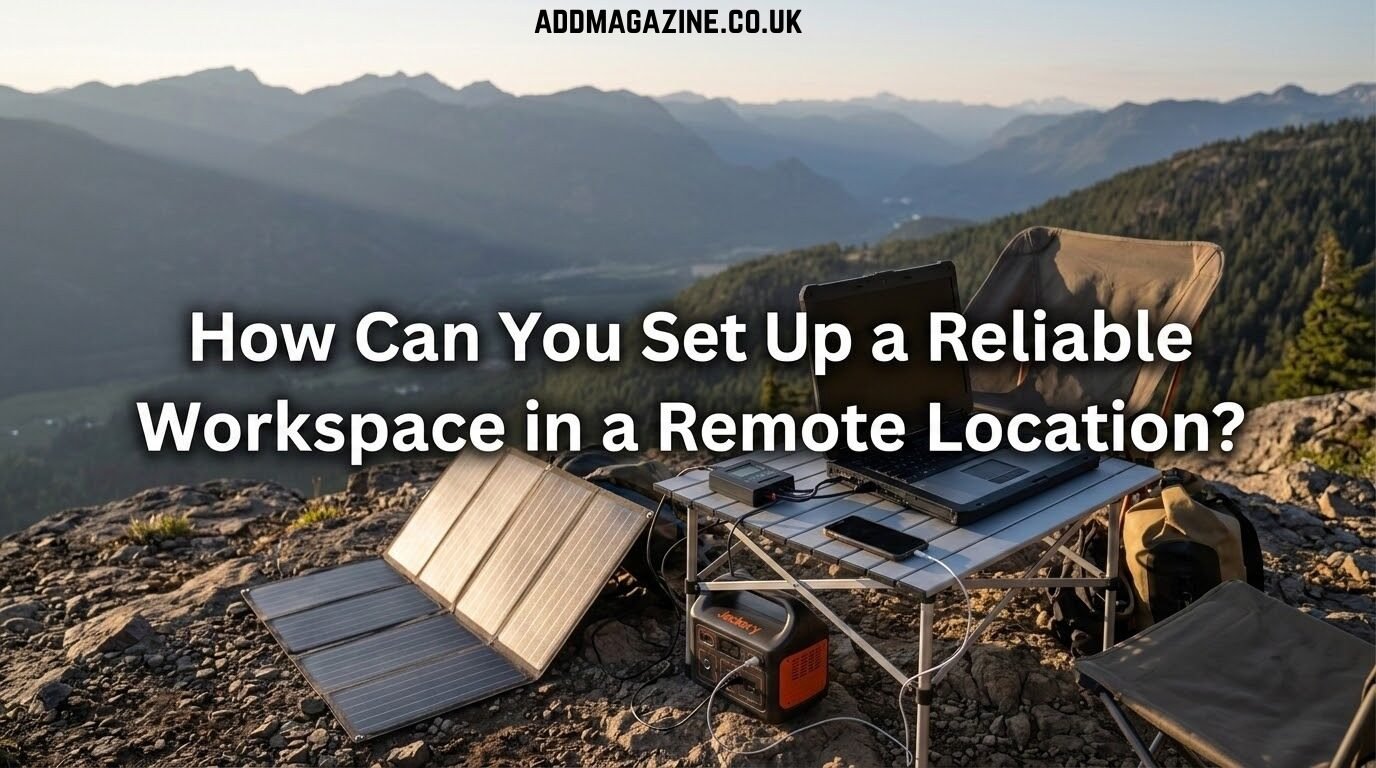
Setting up a workspace away from standard infrastructure is usually romanticized. People picture a laptop on a picnic table next to a mountain stream. The reality involves fighting screen glare, managing finite battery capacity, and realizing your satellite dish has no clear line of sight.
When your paycheck or project depends on uptime, you have to treat a remote workspace like a small scale deployment. You need reliable power, a stable connection, and physical gear that will survive the environment. Getting this right takes careful planning and a realistic understanding of what hardware can actually do outside of a climate controlled office.
Managing Your Power Supply
You can’t simply plug into a wall and forget about your electricity usage. Off grid work means you act as your own utility company. A laptop, an external monitor, a satellite router, and a phone charger will drain a battery bank faster than most people expect.
Before you purchase any battery banks or solar panels, run the numbers. Use an electrical power calculator to figure out your total expected watt hour draw for a standard workday. Once you have that baseline number, add twenty percent for safety. Devices run less efficiently in extreme temperatures, and solar panels rarely pull their advertised maximum yield due to clouds or suboptimal angles.
Battery chemistry matters here. Lithium iron phosphate batteries are heavier but handle charge cycles much better than standard lithium ion options. I’ve found a dual system approach works best. Use a large battery power station for silent operation during your working hours. Keep a small inverter generator on hand to recharge the bank when the weather doesn’t cooperate for solar charging. Just make sure any generator or inverter you buy produces a pure sine wave to avoid damaging sensitive computer components.
You also need to manage power consumption on the software side. Dimming your screen brightness slightly and closing background applications can extend a laptop’s runtime by hours. Every watt you save is a watt you don’t have to generate.
Securing a Functional Internet Connection
Cellular hotspots are highly convenient until you drop into a valley or overload a rural tower. For truly remote setups, low earth orbit satellite internet has become the baseline. But having the hardware in a box doesn’t guarantee a usable signal. You have to account for tree cover, atmospheric conditions, and regional network congestion.
Positioning is everything. Set up your dish with an unobstructed view of the sky and give the system time to download its local data. Once it connects, run a few baseline diagnostics. It helps to test starlink speed at different times of the day to understand your actual bandwidth versus the theoretical maximum on the box. If your latency spikes every afternoon, you might need to schedule large file uploads or video meetings for the early morning.
Always carry a secondary connection method. A basic cellular router with an external antenna can often catch a faint signal just strong enough for text emails or Slack messages. When the primary satellite link fails during a heavy storm, that slow cellular backup is what keeps you online and communicating with your team.
Building a Physical Workspace
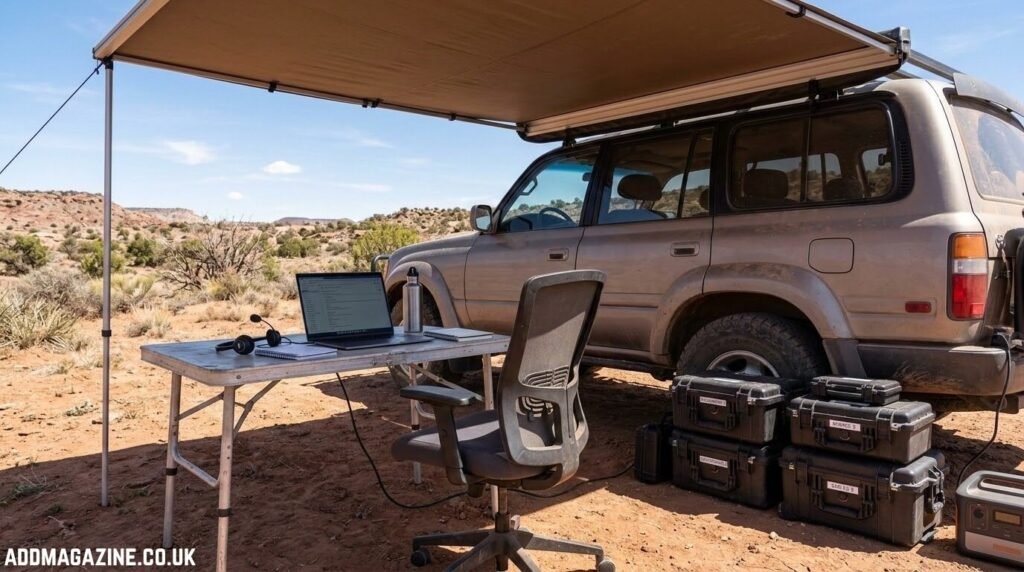
Working from a camp chair or the front seat of a truck gets painful after about two hours. If you plan to work remotely for days or weeks, you need a setup that mimics a real desk. That means prioritizing ergonomics over packing light.
Bring a portable folding table with adjustable legs so you can level the surface on uneven ground. A rigid chair with proper lower back support is mandatory. If space in your vehicle is tight, look for compact ergonomic options, but don’t compromise on your posture. Back pain will ruin your productivity faster than a dead battery.
Then there’s the environment itself. Your laptop screen is constantly fighting the sun. A canopy or a vehicle awning provides necessary shade. This keeps your gear from overheating and makes your screen readable without cranking the brightness to maximum.
Dust and moisture are constant threats. Keep a soft brush and microfiber cloths handy to clean your keyboard. Store all electronics in sealed hard cases with silica gel packets when you aren’t actively using them.
Hardware Redundancy and Spares
When you work in a city, a broken charger is a minor inconvenience. When you are a hundred miles from the nearest electronics store, a broken charger stops the entire operation.
You have to pack spares for critical failure points. This includes power adapters, display cables, and a backup mouse. Cables get pinched in vehicle doors or tripped over in the dark. Bring duplicates of anything that connects your computer to power or the internet, and keep the spares in a separate bag from your primary gear.
Audio equipment requires the same redundancy. A laptop’s built in microphone picks up every breeze and background noise. Pack a dedicated headset with a directional microphone and a physical foam windscreen. Bring a wired backup just in case your primary Bluetooth headset refuses to pair right before an important meeting.
Local storage is also critical. Cloud syncing will fail you at some point when your connection drops unexpectedly. Keep a rugged solid state drive plugged in and run daily local backups. If a sudden rainstorm ruins your laptop, you can at least take the drive back to civilization and recover your work on a new machine.
Structuring Your Workday
A remote environment forces you to change how you operate. You don’t have the luxury of endless power or perfect lighting at all hours. You have to sync your heavy tasks with your physical resources.
Do your most power intensive work when the sun is hitting your solar panels directly or when you are running the generator. Schedule client calls when you know the wind is calm. Wind noise will destroy microphone audio quality regardless of how good your software filtering is.
It takes deliberate effort to maintain professional output without office infrastructure. You have to monitor your equipment, check your battery levels, and constantly adjust to the physical environment. The tradeoff is being able to operate effectively from anywhere, provided you respect the logistics and plan for failure.